
Introduction
Digital art has become more accessible than ever, thanks to a growing ecosystem of free tools that rival their paid counterparts. Whether you're a hobbyist sketching on a tablet, a game developer crafting concept art, or a freelance illustrator looking to expand your portfolio, the right software can make all the difference. Below, we've compiled a curated list of the best free tools that cover painting, sketching, 3D modeling, asset creation, and collaboration - so you can focus on what you love: creating art.
Essential Free Tools for Every Digital Artist
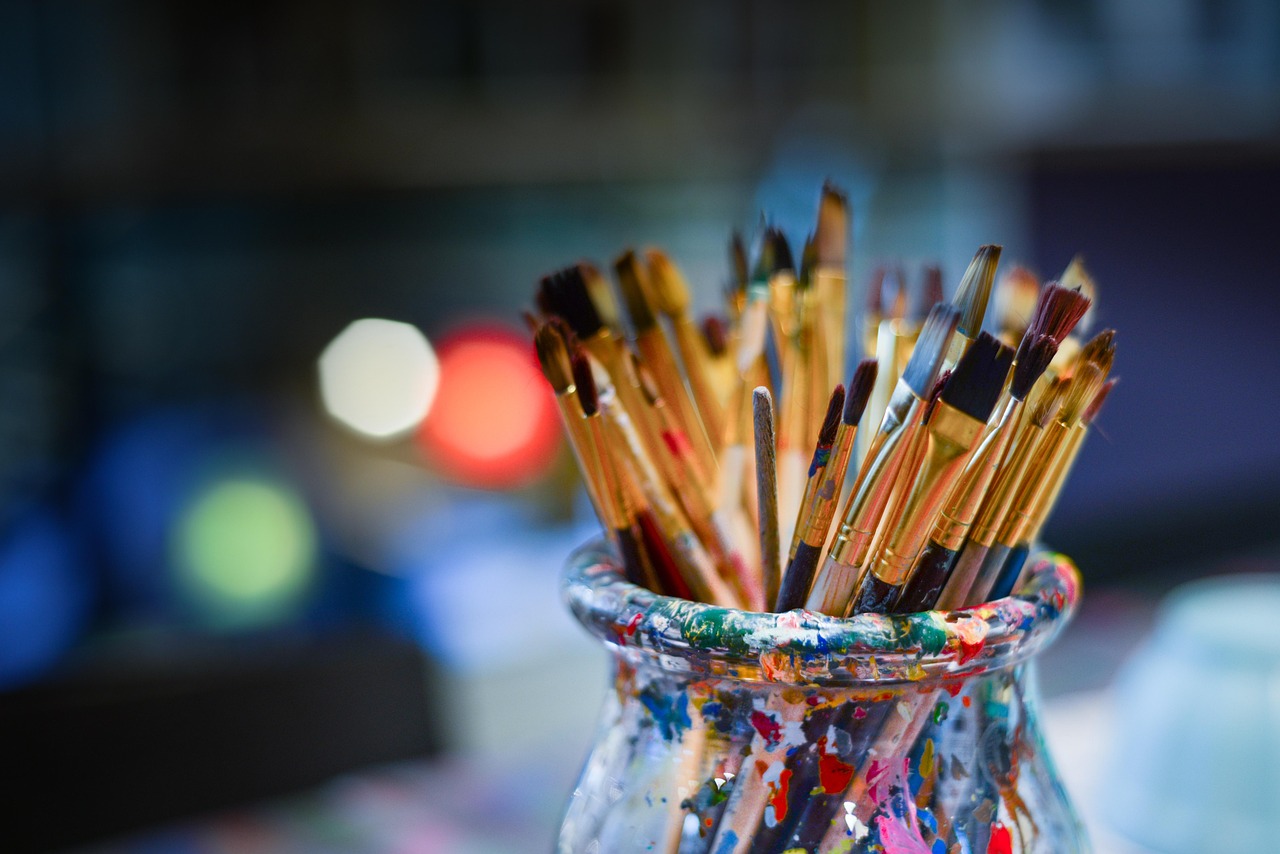
- Krita - A professional - grade painting program with a brush engine that feels like real media. It's open source, lightweight, and perfect for concept art, comics, and detailed illustration.
- MediBang Paint - Ideal for comic creators and illustrators who need a lightweight, cloud‑based solution. It offers a strong brush library and easy asset sharing.
- Blender - The go‑to 3D creation suite. From modeling and sculpting to animation and rendering, Blender is fully featured and completely free.
- Inkscape - Vector graphics are essential for logos, UI elements, and clean line work. Inkscape provides a familiar interface for those used to Adobe Illustrator.
- GIMP - A versatile raster editor that complements painting tools, especially when you need photo manipulation or custom texture creation.
Painting & Drawing
When you're starting out or experimenting with new techniques, a strong painting engine is vital. Here's why these two stand out:
- Krita offers an intuitive brush engine, extensive customization, and a growing library of community‑made brushes. Its layer system and blending modes are on par with industry standards.
- MediBang Paint shines for comic artists. Its cloud storage lets you sync your files across devices, while the built‑in panel layout tools save time during storyboarding.
Sketching & Prototyping
Quick sketches, layout planning, and UI mockups need a tool that's fast and flexible. Consider these options:
- SketchBook (free version) - A clean, distraction‑free canvas that feels natural for sketching on a tablet. The free tier offers a solid set of brushes and layers.
- Vectr - A free, web‑based vector editor great for UI mockups and simple illustrations. Its real‑time collaboration feature makes it easy to iterate with teammates.
3D Modeling & Sculpting
3D is no longer a niche skill. These free tools give you everything you need to build assets, characters, and environments:
- Blender - The industry leader for 3D modeling, sculpting, rigging, animation, and rendering. It also supports Python scripting for advanced workflows.
- Sculptris - A lightweight, beginner‑friendly sculpting program that introduces voxel‑based modeling before you jump into Blender.
- Wings 3D - Ideal for hard‑surface modeling. Its interface is simple, making it a great first step toward more complex 3D pipelines.
Asset Creation & Texture Tools
Textures, brushes, and assets can improve your projects. Here are the top free resources:
- Substance 3D Painter (free trial) - Offers a free tier that includes access to a large library of materials. It's perfect for learning PBR workflows.
- Texture Haven - Free, high‑quality PBR textures under Creative Commons Zero. No licensing worries for personal or commercial work.
- Open Brush - A VR painting tool that's open source and free. If you have a VR headset, this lets you paint in 3D space.
Collaboration & Sharing
Art isn't created in isolation. These platforms help you share, critique, and showcase your work:
- Behance (free account) - Showcase your portfolio and connect with other creatives. The platform also offers project insights and feedback.
- DeviantArt - A longstanding community for artists of all mediums. The free account gives you exposure and the ability to join groups.
- ArtStation (free account) - Ideal for professionals looking to attract employers or clients. You can upload high‑resolution images and receive analytics.
Tips for Getting the Most Out of Free Tools
- Start Small - Choose one or two tools that fit your workflow and master them before expanding your toolkit.
- Explore Tutorials - Most free software has active communities that publish free tutorials on YouTube, forums, and official documentation.
- use Community Assets - Many artists share brushes, textures, and 3D models for free. Use these to jumpstart your projects.
- Keep Software Updated - Free tools often receive frequent updates. Installing the latest version ensures you benefit from new features and bug fixes.
- Back Up Your Work - Even the best tools can crash. Use cloud storage or an external drive to keep your files safe.
Common Questions About Free Digital Art Tools
- Are free tools as powerful as paid ones? - Many free programs rival paid software in capability. The learning curve may differ, but you can achieve professional results.
- Do free tools support high‑resolution exports? - Yes. Most free programs allow you to export images and models at any resolution.
- Can I use free software for commercial projects? - Absolutely. Open source and free tools typically come with licenses that permit commercial use.
- What if I need more advanced features? - Most free tools offer optional paid extensions or plugins that add extra functionality.