
Why Online Privacy Matters in 2026
In 2026, the digital world is more interconnected than ever. Every click, swipe, and tap leaves a trail that can be traced back to you. Companies, governments, and cybercriminals are constantly refining their techniques to harvest personal data. Protecting your privacy isn't just about avoiding spam; it's about maintaining control over your identity, finances, and future. If you're wondering why you should care, remember that the average data breach costs consumers over $5,000 in lost time and potential identity theft. That's a lot of money and stress you can avoid with a few simple habits.
The Evolving Threat Landscape
2026 has seen a surge in sophisticated phishing campaigns, AI‑driven deepfakes, and the rise of "zero‑day" exploits that target even the most secure systems. Social media platforms now use advanced machine learning to predict user preferences, making it easier for advertisers - and malicious actors - to target you. Mobile apps collect granular data, often beyond what you consent to. In short, the threat environment has grown smarter and more pervasive. Knowing the risks is the first step to counteracting them.
Practical Steps to Protect Your Privacy

Use Strong, Unique Passwords
Never reuse passwords across sites. A good rule of thumb: 12 - 16 characters, a mix of letters, numbers, and symbols, and no dictionary words. Use a reputable password manager like Bitwarden or 1Password to generate and store complex passwords. If you can't remember the master key, set up a memorable passphrase - something only you would know.
Enable Two‑Factor Authentication (2FA)
Two‑factor authentication adds an extra layer of security by requiring a second verification step - usually a code from your phone or an authenticator app. Prefer authenticator apps over SMS, as SIM‑swap attacks are more common now. Most major services (Google, Apple, Microsoft) offer 2FA; make it mandatory wherever possible.
Secure Your Devices
- Keep software up to date. Apply operating system and app updates immediately; patches often close security holes.
- Use a strong device lock. Choose a PIN, password, or biometric lock that's not easily guessable.
- Encrypt your storage. Enable full‑disk encryption on laptops and phones to protect data if the device is lost or stolen.
- Disable unused services. Turn off Bluetooth, NFC, or Wi‑Fi when not in use to reduce attack vectors.
Encrypt Your Data
Encryption turns your files into unreadable code unless you have the key. Use tools like VeraCrypt for local files and secure cloud storage options that offer end‑to‑end encryption, such as Tresorit or ProtonDrive. For messaging, choose apps that provide default end‑to‑end encryption - Signal, Threema, or Wire.
Control App Permissions
Modern operating systems allow you to grant or revoke permissions on a per‑app basis. Regularly review which apps have access to your camera, microphone, contacts, and location. Disable permissions that are unnecessary for the app's core function. On Android, you can also set apps to "restricted" mode, limiting background data usage.
Manage Browser Privacy
- Use privacy‑focused browsers. Brave, Firefox Focus, or Tor Browser block trackers by default.
- Install tracker blockers. Extensions like uBlock Origin or Privacy Badger stop third‑party cookies.
- Clear cookies and cache regularly. This reduces the chance of session hijacking and data leakage.
- Enable HTTPS everywhere. Most browsers now auto‑upgrade to HTTPS, but you can enforce it with the HTTPS Everywhere extension.
Protect Your Email
Email is still the primary vector for phishing. Use a strong, unique password and 2FA for your email account. Consider adding a domain‑based email address (e.g., [email protected]) that's isolated from your personal inbox. For added protection, use end‑to‑end encrypted email services like ProtonMail or Tutanota.
Safeguard Your Social Media
Social platforms are goldmines for data. Limit the amount of personal information you share publicly. Adjust privacy settings to "Friends Only" or "Custom" where possible. Regularly audit the apps linked to your social accounts and revoke any that you no longer use. Be wary of "friend" requests from unknown accounts - verify before connecting.
Use a Virtual Private Network (VPN)
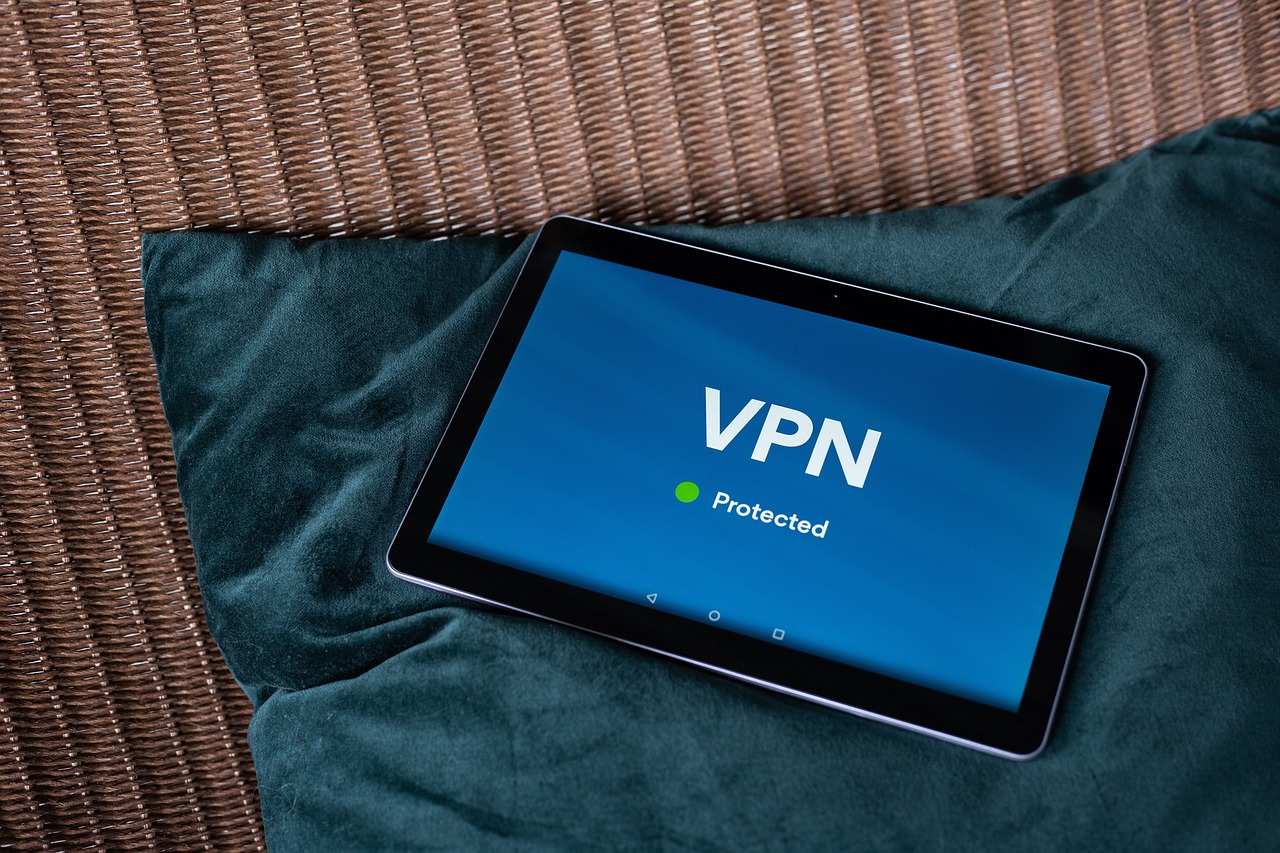
A VPN masks your IP address and encrypts traffic between your device and the internet. Choose a provider with a strict no‑logs policy and strong encryption standards (AES‑256). In 2026, many VPNs offer built‑in ad blockers and leak protection, adding extra layers of privacy.
Monitor Your Digital Footprint
Regularly search your name on search engines to see what's publicly available. If you find sensitive information (e.g., home address, phone number), request removal from sites or use privacy services that help you scrub data. Use services like HaveIBeenPwned to check if your email has been involved in a breach and change passwords accordingly.
Advanced Tools & Services
For those who want to go beyond basic measures, consider:
- Hardware security keys. FIDO2 keys (like YubiKey) provide phishing‑resistant authentication for online accounts.
- Decentralized identity solutions. Self‑sovereign identity (SSI) platforms let you control your data without a central broker.
- Secure messaging protocols. Use Signal's "Message Sealing" feature for extra confidentiality.
- Privacy‑focused search engines. DuckDuckGo or Startpage offer search results without tracking.
Staying Informed & Keeping Updated
Cyber threats evolve quickly. Subscribe to reputable security newsletters, follow industry blogs, and participate in local privacy groups. The more you know, the better you can adapt. In 2026, many governments are rolling out new privacy regulations - stay aware of how they affect you.